CRT or Modern TV for Retro Consoles: What You Gain and What You Give Up
CRT vs Modern TV for Retro Gaming: Making the Right Choice ---
GaymerX desk · 3 min read · updated 2026
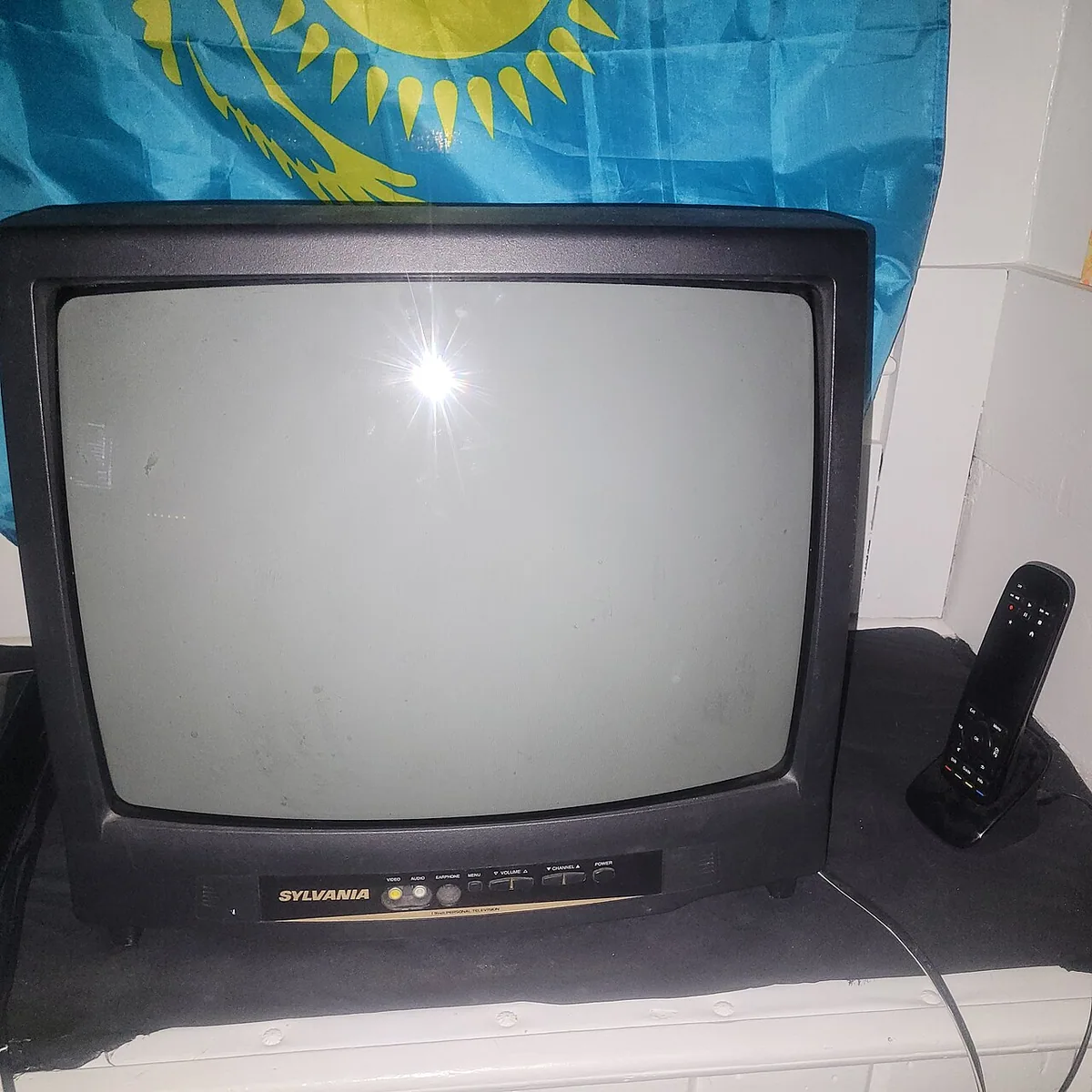
CRT vs Modern TV for Retro Gaming: Making the Right Choice
When setting up a retro gaming room, the choice between a CRT or modern TV can be a trade-off between authentic console performance and modern convenience. A CRT, or cathode ray tube, television remains the gold standard for crisp, true-to-origin visuals from classic consoles. This is because a CRT essentially sends the signal through with no delay. A modern LCD or OLED set, even in gaming mode, will may add some display lag between your controller input and the screen action. However, not all modern TVs are created equal. Some higher-end units may offer smoother gameplay when they receive a signal in their own native resolution and refresh, which is no longer the universal 240p of retro consoles.
CRT remains the plug-and-play option for retro console setups, as it will take the console’s signal directly as it arrives and render it in real-time on the screen. Gamers who prioritize controller feel and original console behavior will get a more authentic experience from a CRT. This TV type also accepts the full native analog signal from consoles, which can be mirrored by upscalers on modern sets only in certain modes and certain price tiers.
Modern TVs can be playable retro setups, but only if the TV is chosen and configured for the task. Shorter lag will be found more easily with newer models, that are adapted to console needs as a function of how they manage different resolutions, since most retro games only go to 240p, whereas modern streaming content spans 4K. Specific settings like asking the TV to disable features like motion smoothing are important to reduce the total lag between a button press and the action on screen. However, even if you have one of the gaming modes and a perfect signal, modern TVs still perform extra computer-like operations on game inputs and graphics that the CRT hardware does not even attempt.
Be sure not to think of a CRT or a modern TV as just a flat panel versus a glass tube, though. A modern TV is more of a multimedia workstation in itself, with an entire bag of signal processing choices and compromises made within the set’s handling of the console inputs. A CRT, especially the older ones, is more of a simple glass window.
Signal matching matters from a modern TV, which is why an upscaler may be in your future. Switching a retro console to a modern flat-panel TV requires either lowering those graphics to match the CRT, and how you do that is where a debate will come up with many comments. Sometimes you’ll find a downscaling unit advised, which gives the console a retro-CRT environment that the flat panel mimics. Upscaling units are installed between the console and TV, and generally, they increase the pixel count of what comes from pin-and-cartridge era, while shaping the 480i form to a line doubling that the CRT does automatically, where no complex computer is working the signal.
Not all retro gaming modes are equivalent, and your needs, priorities, and space will determine which ones apply. Light gun games are one category where the display hardware makes a dealbreaker for some setups. Popular light guns from the NES era, in particular, don’t work with HDTVs even from the early 2000s, and this is not just an issue of CRT versus LCD/OLED, but of how HD models refresh differently from the standard-definition CRTs which these guns were built to play in. Zapping a CRT will look like the eye is seeing a flash, while the response is inaccurate or even undetectable with LCD sets and OLEDs. If you’re into arcade-style games and the power of the NES Zapper, a CRT may be the real default for your system. Even if you have matching refresh rates sorted out, manufacturers handle signals differently, and those differences can mean that some light guns and accessories don’t shoot where players aim.
Elsewhere, guides discussed how to make retro consoles work on modern flat panel TVs, sometimes using scalers, but they also highlighted the risks of signal misuse, artifacts, and poor-quality setups that can result in jaggy visuals. The advice on setting up CRTs versus LCD/LED displays for retro gaming varies, and the authenticity of some recommendations may need verification.