How Long a Gaming Laptop Lasts, and What Kills It First
Heat and power, not the GPU, are the first limits on a gaming laptop's lifespan. While dust clogs cooling vents over months, thermal paste degrades after a year and lithium-ion batteries swell and lose capacity after 2 to 3 years.
GaymerX desk · 3 min read · updated 2026
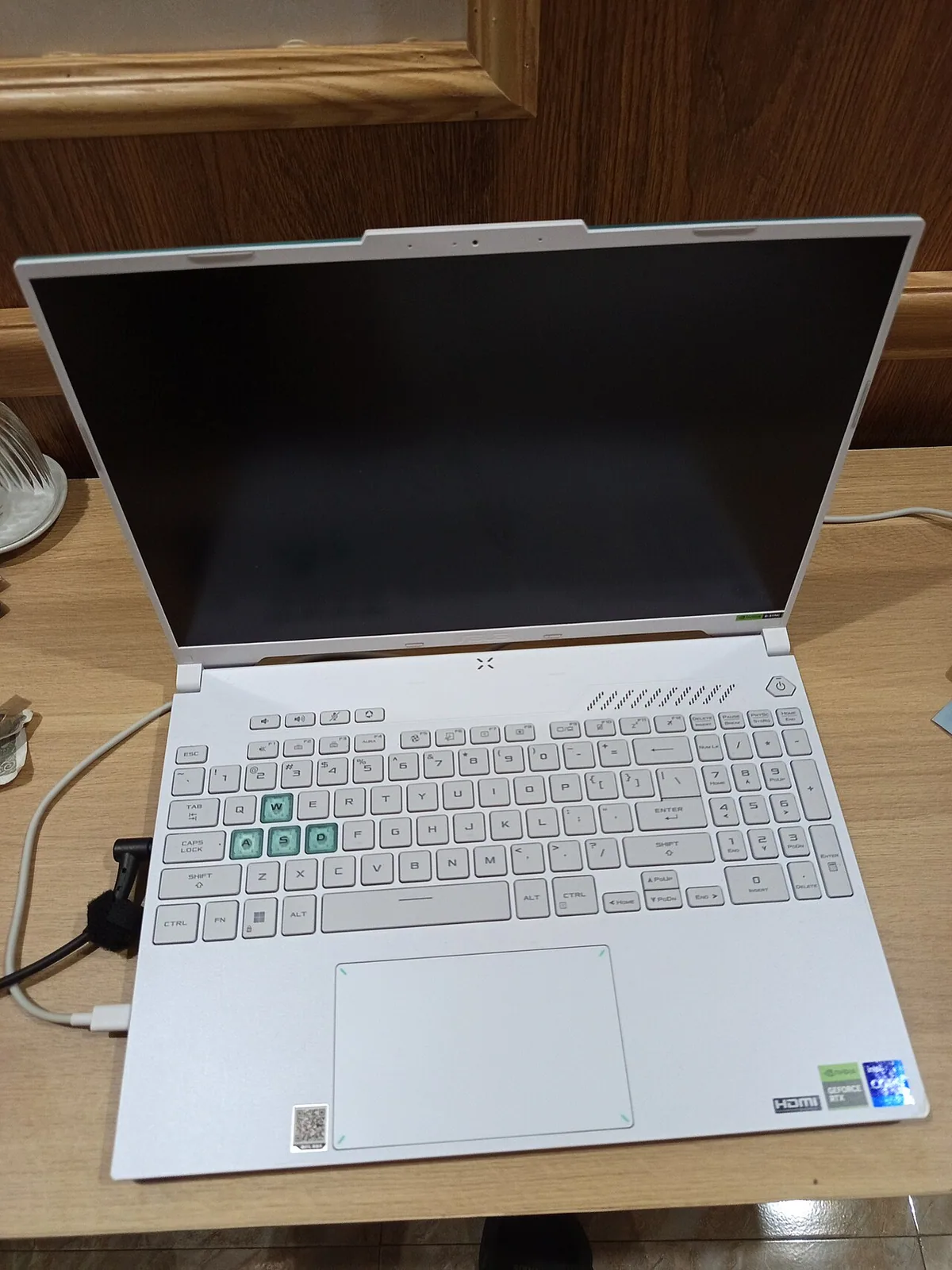
How Long Do Gaming Laptops Last, and What Kills Them First?
Heat and power, not the GPU, are the first limits on a gaming laptop's lifespan. While dust clogs cooling vents over months, thermal paste degrades after a year and lithium-ion batteries swell and lose capacity after 2 to 3 years. Common failure patterns suggest cooling components and batteries wear out before other parts like hinges, storage, or driver support become issues. If you are deciding between a refurbished gaming laptop and a floor-model desktop PC, or asking a repair shop which hardware is worth the cost of replacing first, you are aiming at the root limit: thermal throttling and battery life can often be extended, but GPU longevity is more protected by design; cooling maintenance and cautious power-saving are usually what kills a gaming laptop before the heart of its system reaches its upper end.
Cooling is the First Battle
A gaming laptop's heat is its driving limit. Heavy cooling loads mean dust collects in the cooling system faster. Left alone, itssets off thermal throttling that limits performance. Diligent dusting keeps the airflow straight, a swap or reapply of thermal paste every 12 to 18 months keeps the interior heat transfer steady, and limiting use to cooler ambients keeps the overall workload reasonable. HP offers Battery Health Manager and Lenovo offers Conservation Mode software to set a moderate daily battery level that holds back swelling, and an occasional deep clean can reopen fans and vents, banishing dust that would otherwise trap heat over months. Avoid obstructing fans when playing; they suffer more dust.
Battery Swelling and Capacity Loss
Next to dusting, a lenient charge schedule is what stops a gaming laptop short of a swollen battery. Some manufacturers, like Dell and HP, include battery-monitor software to help prevent swelling, which occurs due to gas buildup over time and can eventually risk chassis damage. To maintain battery health, keep daily charge levels well below 100% and avoid leaving the laptop plugged in constantly. For overnight storage, aim for around 50%-60% charge, and disconnect from power when the machine is in use or running on battery—keeping the average charge in that range helps prolong battery life.
The Physical Wear Point is Often Not the Silicon
Gaming laptops are like toy cars and walkie-talkies; they commonly wear out in ways that are not because of the core repairing job. The hinges are often the first thing to fail; wonder whether carrying the laptop in a pouch is stressing the hinge, and how much hands time matters? Xotic PC's claim that a gaming laptop might go 4–6 years before becoming seriously gaming-limited might be because that's mostly down to system integration and charging mode, not GPU burn.
Storage and Software Support Set the Outside Limit
The main limits are the material limits - thermal, mechanical, and power. Eventually, even the fastest solid-state storage gets degraded, the silicon degrades, and the battery loses its capacity. Exact drive lifespans, and how often newer software and games than the ones a gaming laptop could run when new don't fit the machine's extended ability are not documented, but you'll be getting very close when the storage lags and the battery doesn't last a day.
What Maintenance is Worth Paying For
With cooling, battery, and hinge degradation being the real hazard to a gaming laptop, the benchmarks for fixing, not replacing, are comparatively light: clean the thermal fans and vents, replace the paste, run the batteries in fading mode, and test the profile. That buys you time, to decide. If it was bought new, and gets carefully dusted, pasted, and cabled in conservation mode, a gaming laptop makes around 4-6 years of satisfying service. If it's climbing that profile...consider replacing.
Why the GPU Usually Survives
Bluntly, as much as high-performance components stress the CPU, third-party charging systems can stress the laptop's charge controller and power circuits. Thermal throttling protects the GPU; bent hinges, clogged vents, swollen batteries make the kill-list. When it finally does fail, it is usually a month on some things failing, then the heart gets the kill, and the game is up.